Why choose our WizTalk?
WizTalk video intercom, combines Al multi-detection door stations, with Android smart control panel & Linux dedicated indoor monitors.
Powered by AI,
Built for Smarter Security
Built for Smarter Security
Powered by a powerful AI chip, WizTalk enables real-time people, vehicle, and package detection at the edge. Delivering faster, more accurate event recognition for smarter and more responsive home security.

See More. See Clearly.
 5MP
 WIDE VIEW ANGLE
 WDR
 Full-Color Night Vision
 VERTICAL DUAL CAMERAS
Smarter Audio, Clearer Communication
Advanced audio processing and intelligent noise reduction deliver clear, natural two-way communication. Crying detection provides timely alerts when a babyu2019s cry is detected, adding an extra layer of care for the whole family.

Audio Intelligence| Environmental Noise Filtering
Directional
sound pickup
sound pickup

Distance:
50cmMax.
50cmMax.
85db
Rich Intelligent Applications
Intelligent Video
Intelligent Audio

Video Intelligent


Audio Intelligent
Expand Your Own Control
Agile Software System
 2.4G/5GHzBluetooth 5.0Zigbee 3.0Airfly 868MHzIP PoE Port2-Wire IP Port
(For Video Intercom)4-Wire IP Port
(For Video Intercom)Alarm In/OutRS485
Smart Control
Matter
Airfly
RS485
Integrated Security Service
CCTV
Video Intercom
Alarm
DMSS
 Picture In PictureMulti-channel PreviewPTZ ControlZoom In/OutLong Time SurveillanceLocal Storage

VIDEO INTERCOM
Picture In Picture, See Visitor Details Clearly

Intrusion Alarm Integration
Convenient Household Protection Through Your Control Panel
Single-Hub
Hub-Free
Multi-Hub
Product Showcase


Application Scenarios


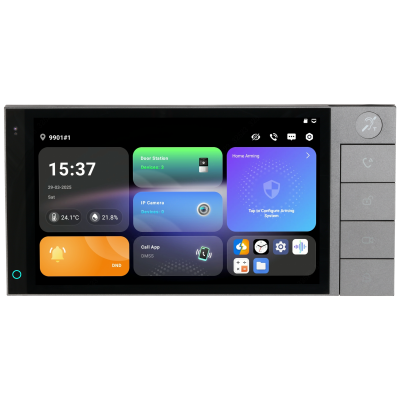
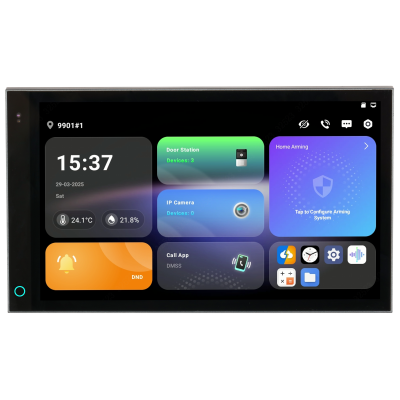
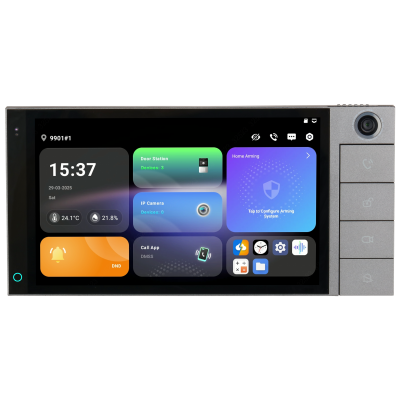
2-Wire IP Smart Control Panel
SCP3022A-B-S

IP Villa Door Station
VTO3511US-PC2
 5 MP
 VIDEO & AUDIO INTELLIGENCE
How To Video
SCP Series
VTH 57 Series
How to Save Snapshots, Videos, and Video Messages to Local Storage
How to Add and Use Widgets on the Home Screen
How to Use RS 485 I/O and Relay Modules
How to Rotate the Display to Portrait Mode
How to Use Quick Setup 3.0 for Villa Scenarios
How to Use the Preinstalled DMSS App
How to Arm with One Tap Without a Password
How to Manage Multiple Wireless Hubs
How to Add IPC and NVR Devices
How to Turn Off the Indicator Light When Idle
How to Create and Manage Desktop Folder
How to Auto Record During Calls
How to Replace and Configure Buttons
How to Use Multi-Channel Preview
How to Use Picture-in-Picture During Calls
How to Control PTZ Camera
How to Integrate a Wireless Alarm Hub
How to Integrate Wireless Alarm Sensors
How to Configure Adaptive Brightness
How to Add IPC and NVR by Auto Search
How to Configure AirShield Alarm
How to Connect to a Hearing Loop System
How to Configure the Custom Key
How to Configure the Indicator
How to Use Quick Setup 3.0 for Villa Scenarios
How to Assign Cameras to Monitoring Channels
How to Configure Wake on Approach